
Laser247 login operates on a different model from most betting platforms. There’s no public registration page. No email signup form. No open account creation. Your credentials are generated manually by the Laser247exch.vip support team and delivered to you through WhatsApp once your betting ID is approved.
One ID. One set of credentials. Full access across both the browser and the Laser247 app.
How Laser247 Login Works on Laser247exch.vip
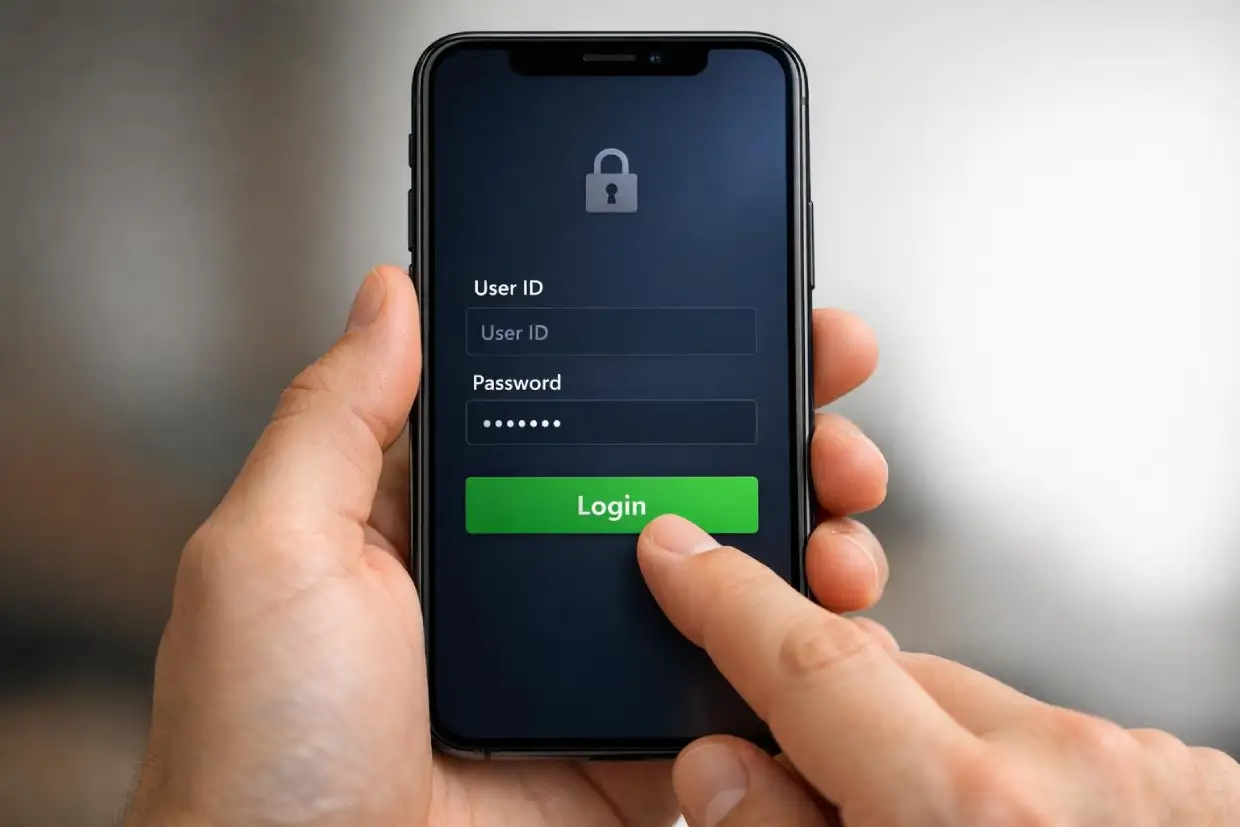
Getting into your account on www.Laser247exch.vip comes down to three things:
- Your issued User ID
- Your password
- The official login link or the Laser247 app
Both browser and app connect to the exact same exchange account. Same wallet balance. Same open positions. Same dashboard. There’s no need to create separate logins or manage multiple sets of credentials.
This manual ID system gives Laser247exch.vip tighter control over who reaches the platform. It also means your credentials are verified from the very first day — no bots, no fake accounts, no spam signups cluttering the exchange.
Brand new to the platform? The Laser247 homepage walks through the full exchange-based setup and what sets it apart from conventional sportsbooks.
Browser Login on Laser247exch.vip
Logging in through a browser is simple:
- Open the official login link provided by www.Laser247exch.vip support
- Type your User ID exactly as it was issued — character by character
- Type your password
- Tap the login button to reach your dashboard
Important details to keep in mind:
- Credentials are case-sensitive — “UserID123” and “userid123” are treated as entirely different entries
- A single stray space — common when copy-pasting — can block access completely
- Always use the official login link — don’t search for the login page through Google, since unofficial sites can closely mimic the real one
Browser login works well for general account management, checking balances, reviewing betting history, and placing pre-match bets. For sharper performance inside live cricket markets where every second counts, many users prefer the Laser247 app.
Logging In Through the Laser247 App
The app login process is identical to the browser. Same credentials. Same steps. Faster overall experience.
- Open the Laser247 app on your Android device
- Enter your User ID
- Enter your password
- Tap login and your exchange dashboard loads
The app is tuned for mobile speed — particularly through intensive live betting activity. IPL match nights, international tournaments, and high-volatility sessions all run more smoothly through the app than through a mobile browser tab.
Your account balance, open positions, and betting history remain fully synced between app and browser. Switch between them at any point without losing anything.
Browser vs App Login — Quick Comparison
| Feature | Browser Login | App Login |
|---|---|---|
| Credentials required | Same User ID + Password | Same User ID + Password |
| Wallet access | Full | Full |
| Open positions visible | Yes | Yes |
| Speed during live markets | Can slow under peak traffic | Optimised for speed |
| Session stability | May time out faster on inactive tabs | More persistent connection |
| Market refresh during live play | Relies on page reloads | Continuous data streaming |
| Best suited for | Casual use, pre-match bets, account review | Live trading, active sessions, in-play markets |
The takeaway: if you’re actively trading through live matches, app login gives you a quicker and more stable session. For everything else, browser access on Laser247exch.vip works perfectly well.
Common Laser247 Login Issues and Quick Fixes
Most login problems trace back to small, easily corrected mistakes. Before reaching out to support, run through these checks.
Frequent causes of login failure:
- Typing errors in the User ID or password
- Expired session after a prolonged period of inactivity
- Multiple failed login attempts triggering a temporary lock
- Copy-paste pulling invisible spaces or hidden characters into the credential fields
- Using an outdated password after a recent credential reset
Quick self-fixes:
- Turn Caps Lock off and retype everything manually
- Skip the paste function — enter credentials by hand to avoid hidden characters
- Confirm you’re using the most recent credentials issued by support
- Clear your browser cache and cookies if the login page isn’t loading properly
- Try the Laser247 app if browser access feels stuck or unresponsive
Still locked out? Message Laser247 customer support on WhatsApp with the following:
- Your User ID
- A screenshot of any error message that appears
- The device you’re using — Android phone, desktop, or tablet
Support can check your account status and issue a credential reset after a brief verification. Most issues are resolved within minutes.
Multi-Device Access Rules on www.Laser247exch.vip
Your Laser247exch.vip account can be accessed from:
- Android smartphones
- Desktop browsers — Chrome, Firefox, Edge, Safari
- Secondary mobile devices
That said, logging into the same account from multiple devices simultaneously during active betting can trigger automatic security checks. This is a built-in protection against unauthorised access and to prevent bet placement conflicts.
If you get logged out without warning:
- Close every other active session on other devices first
- Log back in from your primary device only
- Avoid running concurrent sessions during live exchange trading
Simultaneous logins during active betting can also affect exposure calculations. If you have open lay positions and your session is interrupted by a second login, liability figures may not display correctly until the session settles. Staying on one device at a time during live markets is the safest approach.
Session Timeouts and Security Behaviour
Laser247exch.vip may log you out automatically after extended inactivity. This is standard security behaviour — not a bug or platform error.
What triggers session timeouts:
- Extended inactivity — no bets placed, no pages navigated
- Switching between apps on your phone while the Laser247 app sits in the background
- Network interruptions or dropped connections during your session
- A browser tab sitting inactive for too long
How to keep your session stable during live betting:
- Stay on one network — don’t switch between Wi-Fi and mobile data while positions are open
- Keep the app or browser tab in the foreground during active trading
- Avoid repeatedly closing and reopening the app during a match
- If you hit a timeout, simply log back in using the same credentials
Understanding how order matching behaves during session refreshes can prevent confusion if you’re logging back in mid-market. The Laser247 exchange mechanics guide covers how liquidity and matching work under heavy conditions.
Locked or Restricted Accounts on Laser247exch.vip
Your www.Laser247exch.vip account may be temporarily restricted under certain conditions:
- Too many consecutive incorrect login attempts
- Unusual access patterns — such as a login from a new location or device with no prior activity
- A pending transaction verification that hasn’t been completed
Restrictions are temporary and exist to protect your account and balance.
To speed up resolution, message WhatsApp support with:
- Your betting ID
- The most recent payment method you used
- The approximate amount of your last deposit or withdrawal
This gives the support team what they need to verify your identity quickly and restore access.
If the restriction occurred following a payment event — a deposit that didn’t reflect, a withdrawal sitting pending — check the Laser247 deposit and withdrawal guide first. It explains how verification flows work and what causes temporary holds during processing.
Password Reset Process on www.Laser247exch.vip
Laser247exch.vip does not use automated email-based password resets. Every credential change goes through manual WhatsApp verification, which adds an important layer of protection against unauthorised access.
Steps to reset your password:
- Message support from your registered WhatsApp number — the one linked to your betting ID
- Confirm your User ID
- Verify a recent transaction detail — amount, method, or approximate date
- Receive your updated credentials through WhatsApp
Things to avoid during the reset process:
- Don’t open a duplicate account if your login fails — that complicates verification and slows recovery
- Don’t message from a WhatsApp number other than the one on file — identity verification depends on that match
- Don’t share your new credentials with anyone after receiving them
The manual reset is slightly slower than an automated email link. But it’s considerably more secure — particularly on an exchange platform where your wallet balance and open positions are involved.
Login Security Best Practices for Laser247exch.vip
Your Laser247exch.vip login protects your balance, your open exchange positions, and your complete transaction history. Treat it accordingly.
Security habits every user should maintain:
- Never share your User ID or password with anyone — including people claiming to be from support (real support will never ask for your password)
- Avoid public Wi-Fi for active betting — open networks are vulnerable to interception
- Always log out after using a shared, borrowed, or public device
- Don’t post screenshots of your full dashboard, wallet balance, or transaction history on social media or messaging apps
- Refresh your password periodically through the WhatsApp reset process
- If you suspect unauthorised access, contact support immediately — don’t wait
Your credentials are your first line of defence. The exchange model on www.Laser247exch.vip means real money moves based on your positions. A compromised login doesn’t just put your balance at risk — it puts open trades within reach of being manipulated or closed without your knowledge.
Having login issues right now? Message www.Laser247exch.vip WhatsApp support and you’ll be back in your account within minutes.